Fantasy MC
Vanilla Minecraft with fantasy added in small, deliberate pieces. Choose an origin, defeat twelve bosses and open the End.
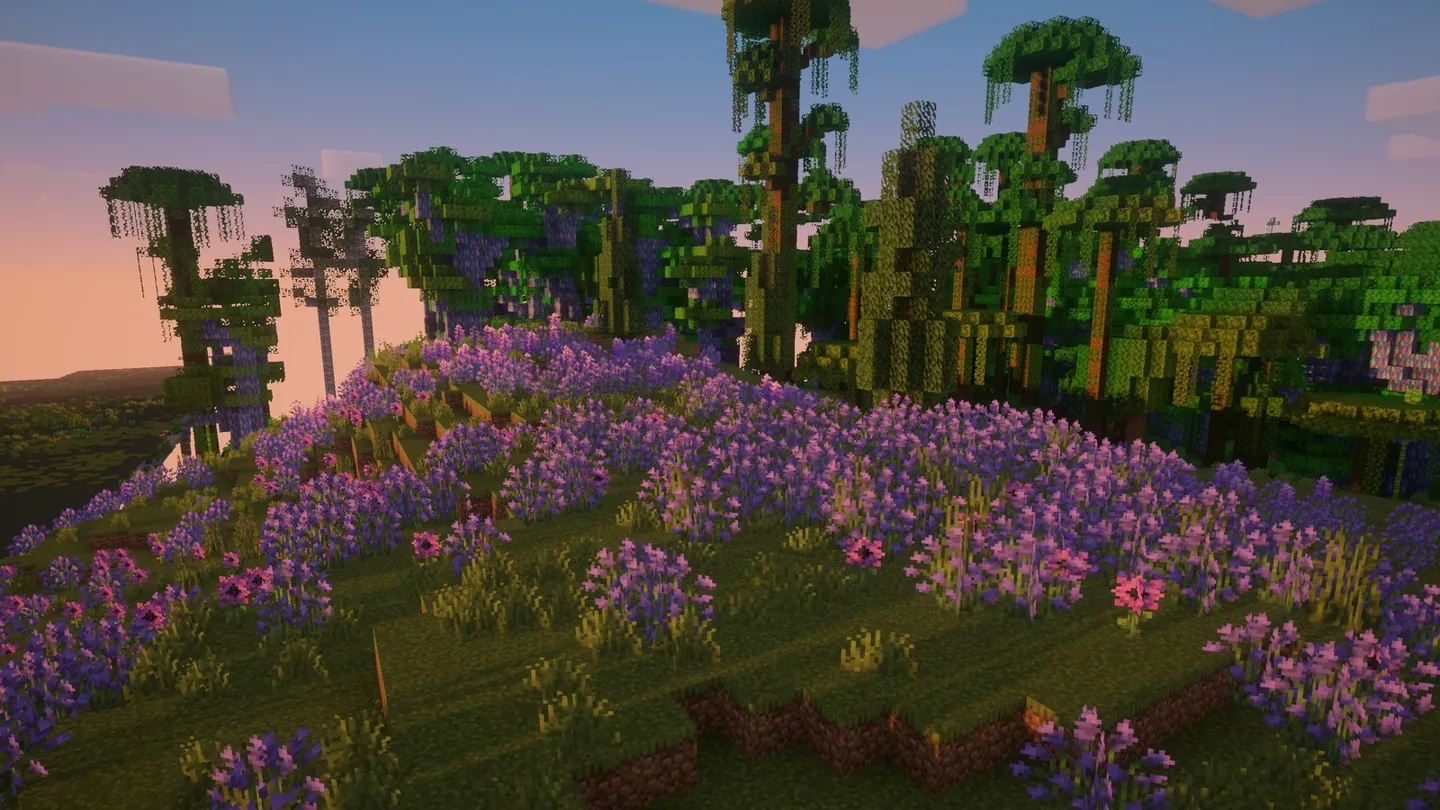
Fantasy MC is a modpack for Minecraft 1.21.1. It is the vanilla game, with fantasy added in small, deliberate pieces.
Choose a race when you first join. Explore castles, villages and new lands. Learn magic, cross into new realms, and defeat the twelve bosses who hold the eyes that open the End.
Guides
Starter Guide
Your first steps, the keys to know and what to do next.
The Road
The main quest, its 18 quests and the crab who starts each act.
Editions
Fabric and NeoForge: what they share and what each has alone.
Origins
Every origin, its strengths and weaknesses, and how skins work.
Bosses
Where each boss is and how to start the fight.
The Twelve Eyes
How to earn the eyes and open the End portal.
Arsenal & Combat
Weapons, magic and the 30 sets of armor.
Jewelry & Accessories
Rings, necklaces, relics and where to wear them.
The World
Structures, biomes, villages, building and the realms.
Two Editions
Fantasy MC comes in a Fabric edition and a NeoForge edition. Each has origins, bosses and lands the other does not. See Editions to compare them and download one.
Playing With Friends
Everyone in a game must play the same edition.
Open to WAN: Press Esc in a world and choose Open to WAN, then Start WAN World. The chat shows a domain. Your friends add it as a server.
Your own server: Each edition has a server pack with start scripts. It is set to 4 GB of memory. Minecraft 1.21.1 needs Java 21, and the start scripts install it if it is missing. See the Server Hosting Guide.
You can also rent a server from BisectHosting. The code PIXELDREAM gives 25% off.
Public server: ValhallaMC runs a free public server for the Fabric edition at fmcf.valhallamc.io. The Fabric edition adds it to your server list once. If you delete it, it stays deleted. ValhallaMC runs the server, not Pixel Dream Studios.
Help and Bug Reports
Report bugs and suggestions in modpack-issues on GitHub. You can also ask on Discord. In the game, the pause menu has a Wiki button that opens this wiki, and a Report Bugs button that opens the reports for your edition.